Struggling to make your new software or app stand out in a crowded marketplace? The key to transforming potential customers into buyers often lies in the visual presentation. That’s where professional product mockup design services become invaluable, especially when creating a compelling digital product mockup. Forget generic, flat screenshots; a well-crafted mockup provides the necessary visual context and perceived value that drives higher conversions. We’re diving into how to leverage these specialized services to ensure your software, eBook, or course looks irresistible, giving your launch the polish it deserves.
Let’s Talk Creative, Try Design Pickle Now!
How is Design Pickle a good Option for Product Mockup Design Services?
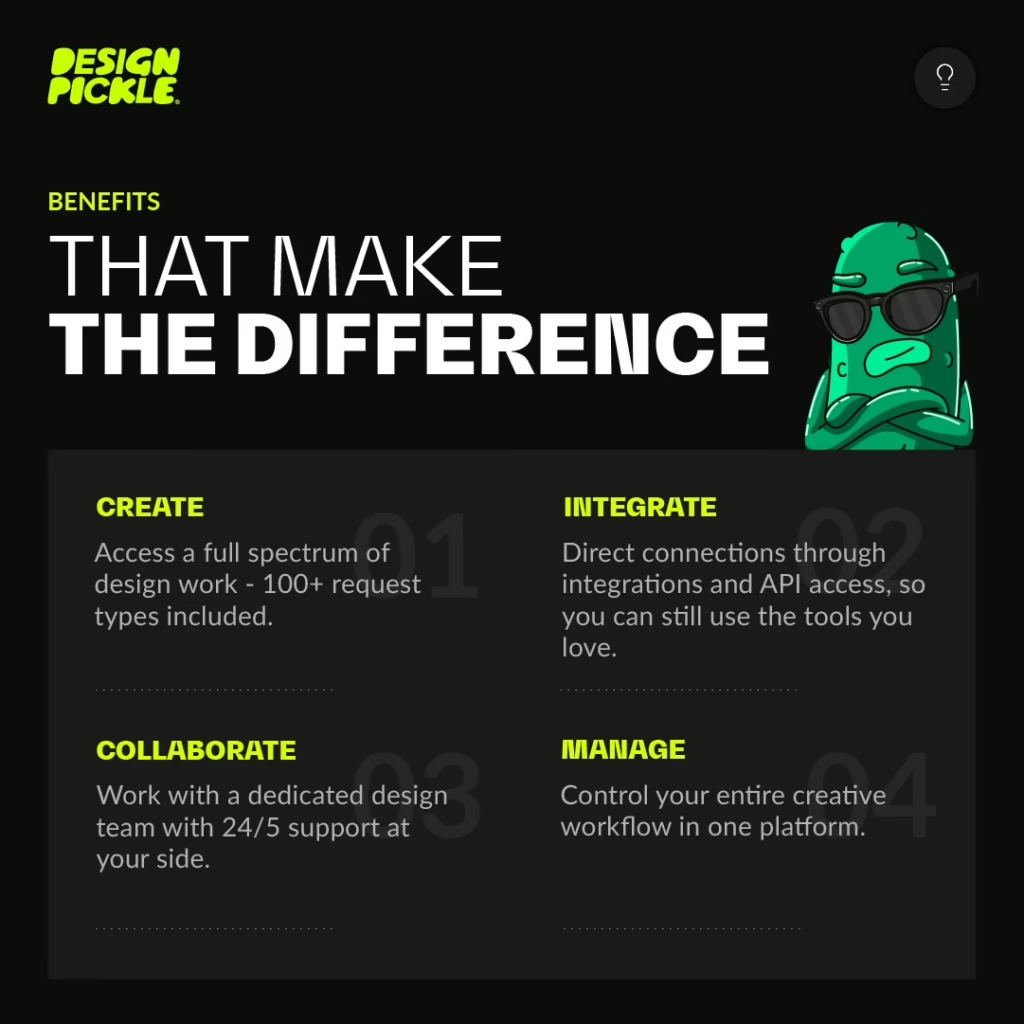
Design Pickle can be a good option for product mockup design services due to its subscription-based, flat-rate model and its service offerings.
Here’s a breakdown of why it’s a viable choice for product mockups:
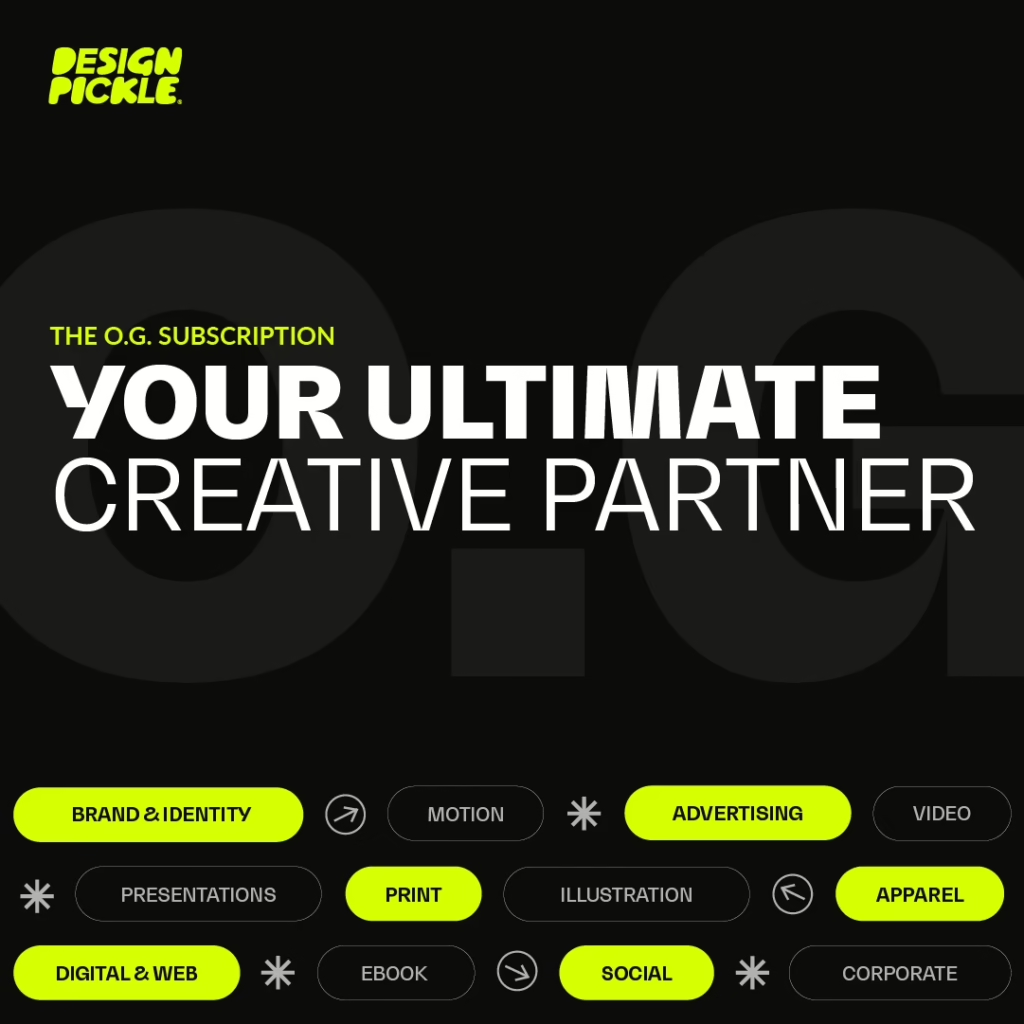
Key Advantages for Product Mockup Design
- Unlimited Requests and Revisions (Flat-Rate Pricing):
- Design Pickle operates on an unlimited design request and revision model for a flat monthly subscription fee (plans start around $1,349/month for Graphics Pro, but lower-priced alternatives exist).
- This is beneficial for mockups because you can request multiple product variations, different angles, or mockups on various items (e.g., a logo on a t-shirt, a mug, a billboard, etc.) without worrying about per-project or hourly costs. You can iterate until you achieve the perfect visual.
- Wide Range of Design Services:
- The service scope includes Apparel & Merchandise designs and Product & Packaging designs. Although “Product Mockup Design” isn’t always listed as a single feature, the core graphic design services cover the creation of assets that are then applied to mockup templates.
- They handle tasks like e-commerce graphics, T-shirt graphics, packaging & labels, and applying designs to various promotional items.
- Dedicated Design Team:
- You are assigned a dedicated design team, which helps ensure brand consistency. As they work on your product mockups, they will become familiar with your brand guidelines (colors, typography, logo placement), which is crucial for creating professional and on-brand visuals.
- Efficiency and Predictability:
- Most design requests, including product mockups, often have an initial turnaround time of 1-2 business days.
- The flat monthly rate provides a predictable design budget, which is often more cost-effective than hiring a full-time, in-house designer or paying a freelancer per project if you have a high volume of ongoing design needs.
Considerations (Potential Downsides)
- Design Scope: The service is best for the application of your product design/branding onto a mockup template. Highly complex or fine art illustrations, 3D/CAD work, or advanced UI/UX design are typically out of scope for their standard plans. For 3D renders of a physical product, you may need a more specialized service or an upgraded plan.
- Quality Consistency: While generally high, some users report that the quality can sometimes be inconsistent and that designers tend to follow instructions very literally.
- Providing clear, detailed creative briefs and examples is essential to getting the desired mockup results quickly.
- Cost: Design Pickle’s plans start at a higher price point than some competitors, so it is most cost-effective if you have a high and consistent volume of design work.
Design Pickle as a Product Mockup Generator Review with Other Options.
Design Pickle is primarily an unlimited graphic design subscription service, not a direct-use Product Mockup Generator.
Instead of offering a template-based, do-it-yourself mockup tool, Design Pickle provides access to a dedicated human designer who will create the mockups for you as part of your monthly subscription.
Here is a breakdown of Design Pickle’s approach to product mockups compared to dedicated mockup generators and other alternatives:
Let’s Talk Creative, Try Design Pickle Now!
1. Design Pickle for Product Mockups (Subscription Service)
| Feature | Design Pickle Approach | Pros | Cons | Best For |
| Tool Type | Unlimited Design Service (Human Designers) | Custom, high-quality, and unique mockups tailored to your brand. Designers can create mockups for non-standard products/scenes. Unlimited revisions. | Higher monthly cost (designed for ongoing design needs, not just a one-time mockup). Longer turnaround time (usually 1-2 business days). | Businesses, agencies, or marketers with consistent, high-volume graphic design needs who require custom, professional mockups and other creative assets. |
| Workflow | Submit a detailed brief (product, design, scene, specs) to your dedicated designer, review the first draft, and request revisions. | You don’t need design skills; the designer handles the technical work. | Requires clear communication and back-and-forth. You are limited to one active request at a time (depending on your plan). |
2. Dedicated Product Mockup Generators (DIY Tools)
These platforms are the direct alternative for users who want to create a mockup themselves quickly and affordably.
| Option | Approach & Key Features | Pros | Cons | Best For |
| Placeit by Envato | Vast library of templates (apparel, devices, print, digital). Drag-and-drop web editor. Also offers design templates and logo makers. | Extremely fast (minutes). Huge variety of mockups. User-friendly for beginners. Affordable subscription or single-purchase options. | Templates can be overused and less unique. Limited customization beyond placing your design. Lower resolution exports on some plans. | Individuals, small businesses, or designers needing quick, high-volume, and varied mockups for social media or e-commerce. |
| Canva (with Smartmockups) | Canva integrates with Smartmockups, allowing you to easily turn any design into a realistic product mockup (T-shirts, mugs, devices, etc.) directly within the Canva editor. | Seamless integration with your existing Canva designs. Free to use for basic mockups. Extremely simple and fast. | Library size is smaller and less specialized than dedicated tools. Less control over lighting and scene details. | Users who already use Canva for design and need quick, integrated mockups as part of their workflow. |
| Smartmockups | Dedicated online mockup tool with a wide range of categories (apparel, packaging, print, devices). Focus on realistic, high-quality scenes. | Excellent quality and wide variety. Allows for high-resolution exports. Easy to use. | Less customization of the scene itself compared to a full Photoshop file. Paid subscription for full features. | Designers and businesses prioritizing mockup quality and realism without needing deep Photoshop knowledge. |
3. Other Unlimited Design Alternatives (Similar to Design Pickle)
If you’re looking for a service similar to Design Pickle that can also handle your mockup creation (along with other design tasks), consider these competitors:
| Alternative | What It Offers | Key Differentiator |
| Penji | Unlimited graphic design, custom illustrations, and often UI/UX and motion graphics (depending on the plan). | Often cited for high quality and a broader range of services, including custom illustration and occasionally multiple concurrent tasks. |
| ManyPixels | Unlimited graphic design. Covers general marketing materials, branding, and print design. | Known for high quality and different tiers, including one with same-day delivery for simpler tasks. |
| Kimp | Unlimited graphic design AND unlimited video design/editing on their combined plan. | Excellent choice if your needs include both graphic mockups and video content/mockups (like explainer videos or motion ads). |
Conclusion:
- Choose Design Pickle (or an alternative subscription service) if you need custom, unique, high-quality, and professionally created mockups as part of a larger, ongoing design workload.
- Choose a DIY Mockup Generator (like Placeit or Smartmockups) if you need speed, affordability, and high volume of mockups from existing templates, and are comfortable doing the work yourself.
Leave a Reply